













Seed
- Smart Bank Matching
- Xero Integration
- Google Drive Backup
- Activity & Audit Logs
- iOS & Android Apps
- AI Account Suggestions
- Multicurrency AI Scans
1 free business profile per account. Additional profiles require a paid plan.
Everyday bookkeeping, made simpler.
Capture invoices, review the details and match bank activity in one clear Aivoes workflow.

AI Invoice Scanning
Capture expense invoices

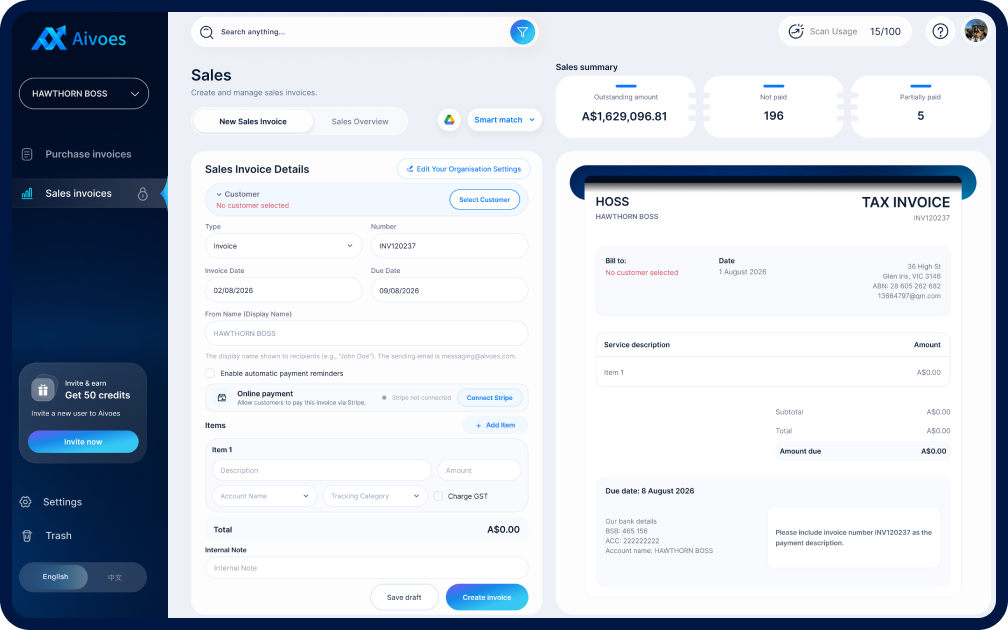
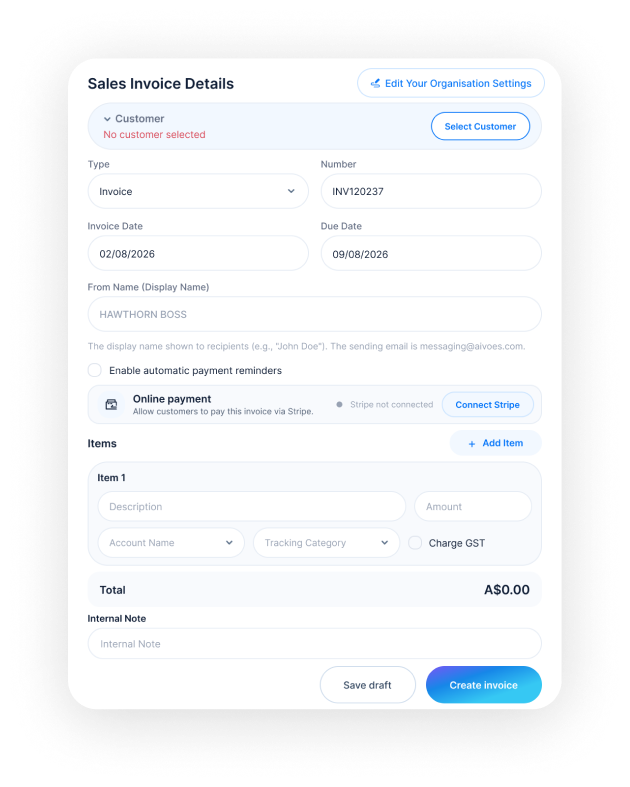
Sales Invoicing
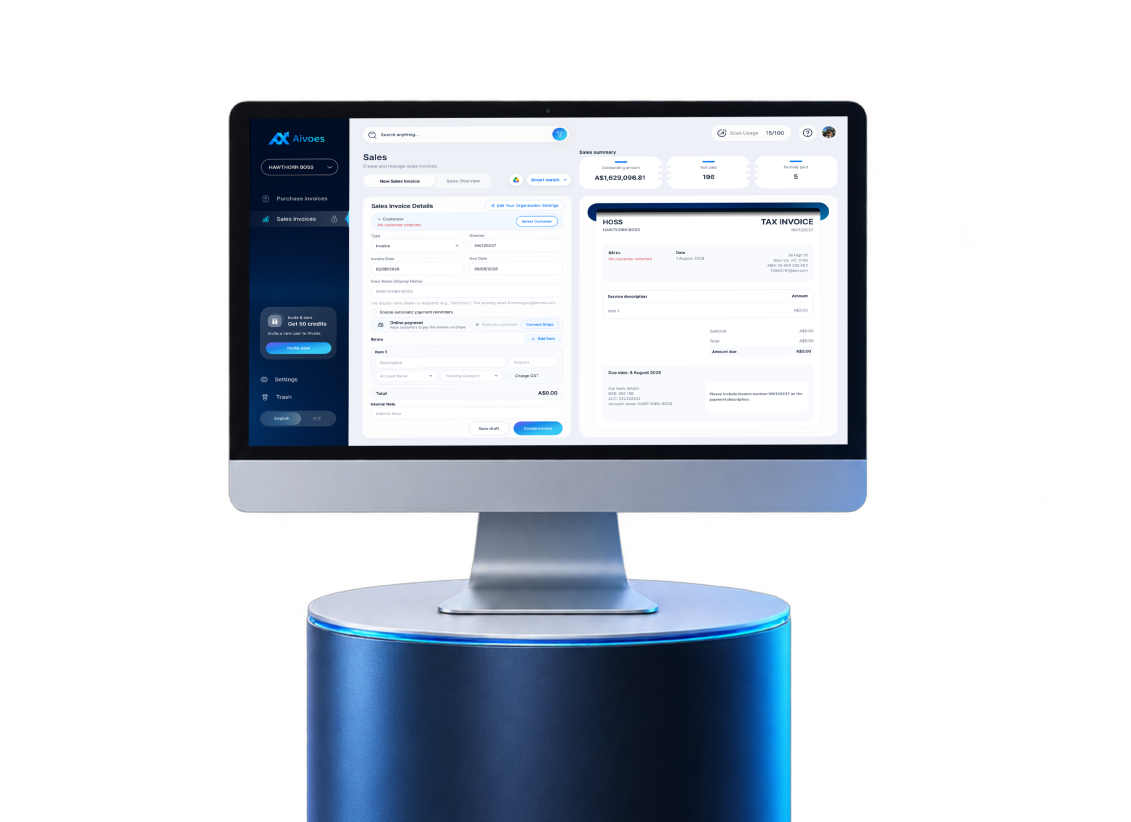
Create customer invoices

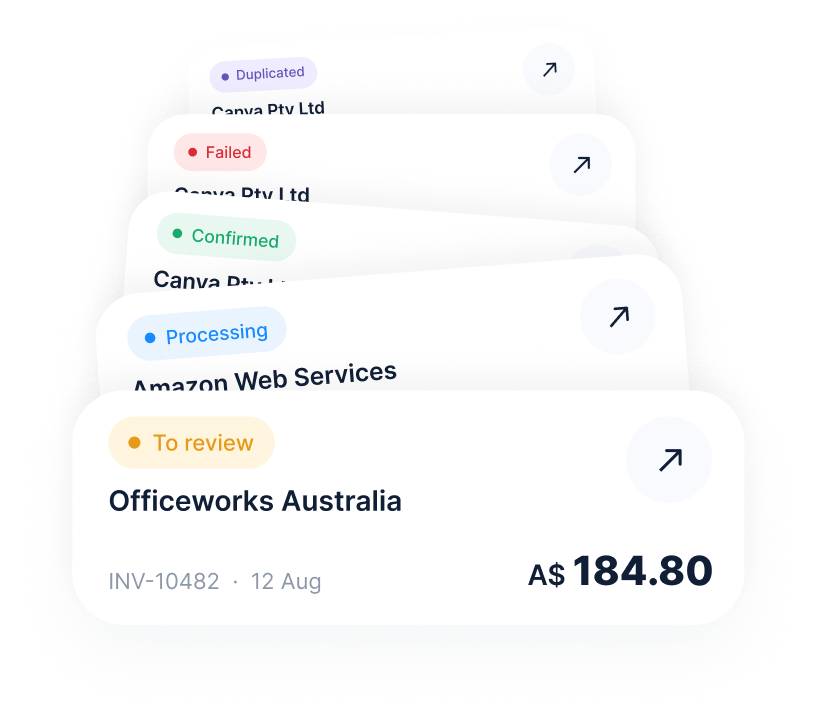
Smart Status
Know what needs action

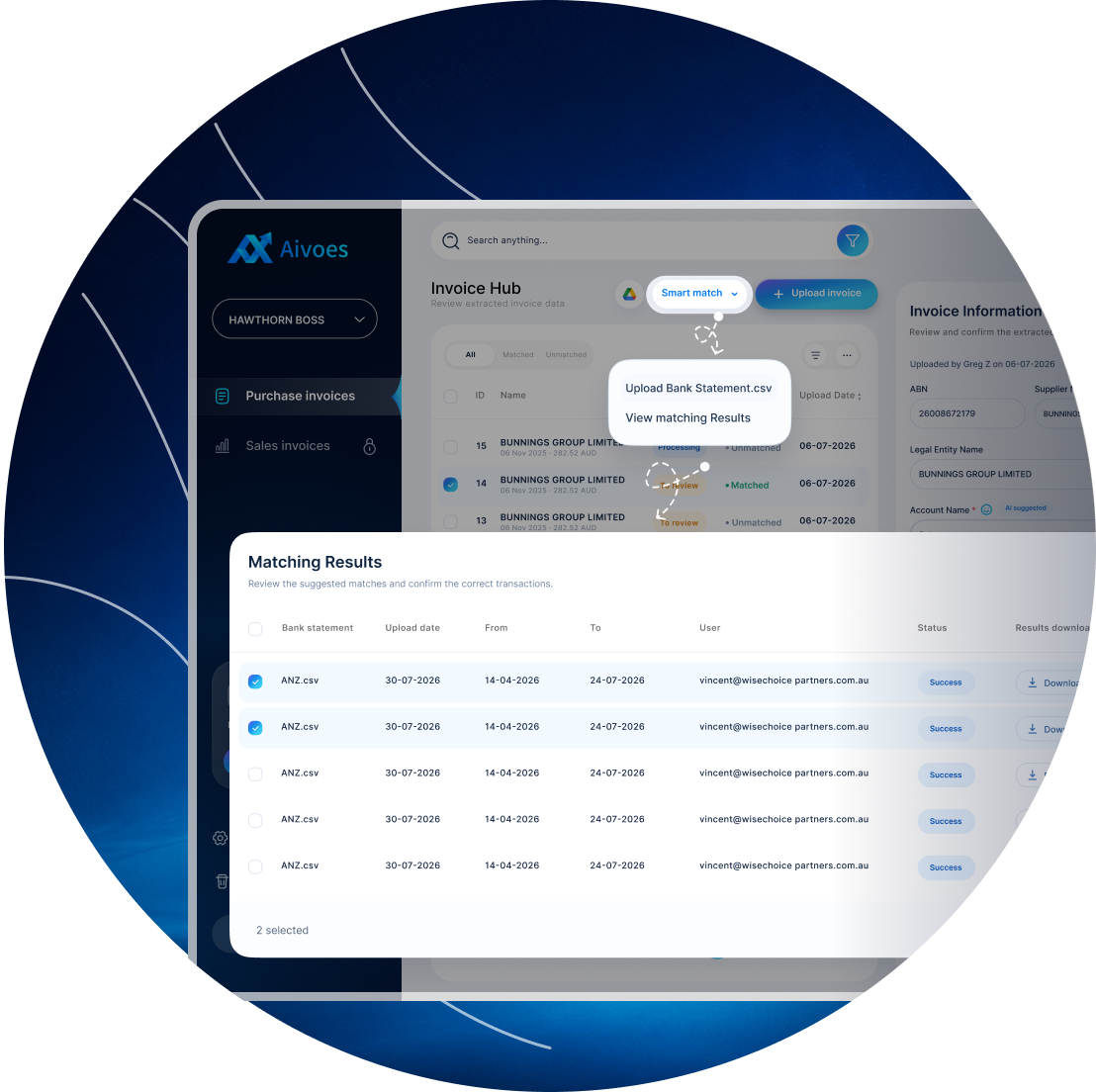
Smart Match
Match bank transactions

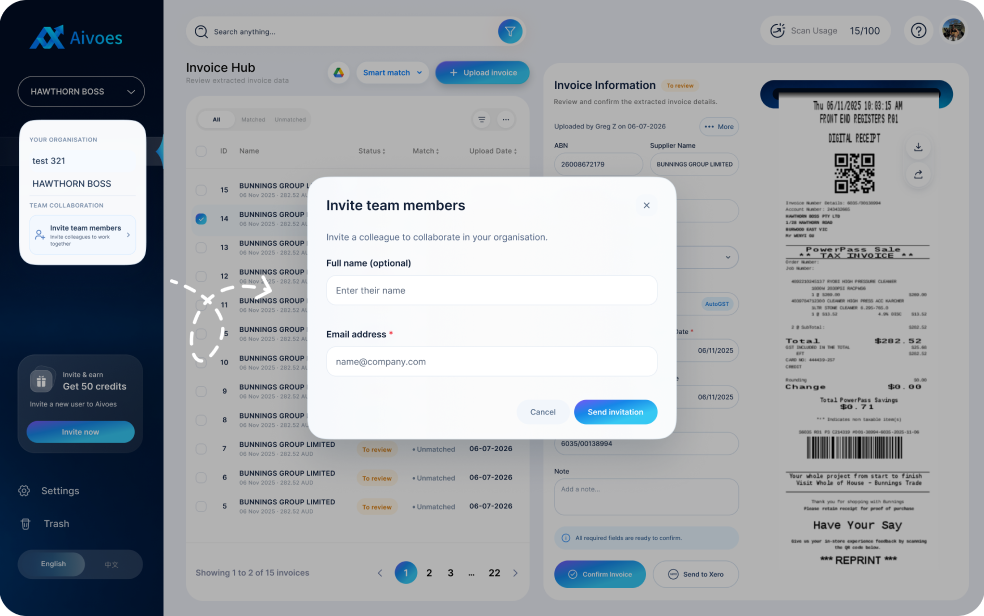
Team Collaboration
Review work together
Less manual entry. More control.
AI automatically reads invoice details and reduces repetitive data entry, while you review every result and continue with Smart Match, Excel or Xero.

AI + Text Recognition
Capture invoices without manual entry.
Smart capture
AI recognition
High accuracy

Review Before Confirm
Check, edit and confirm every result.
Edit results
Human review
Final confirm

Smart Match & Export
Match bank data, then continue in Excel or Xero.
Bank matching
Excel export
Xero sync
Core feature · AI Invoice Scanning
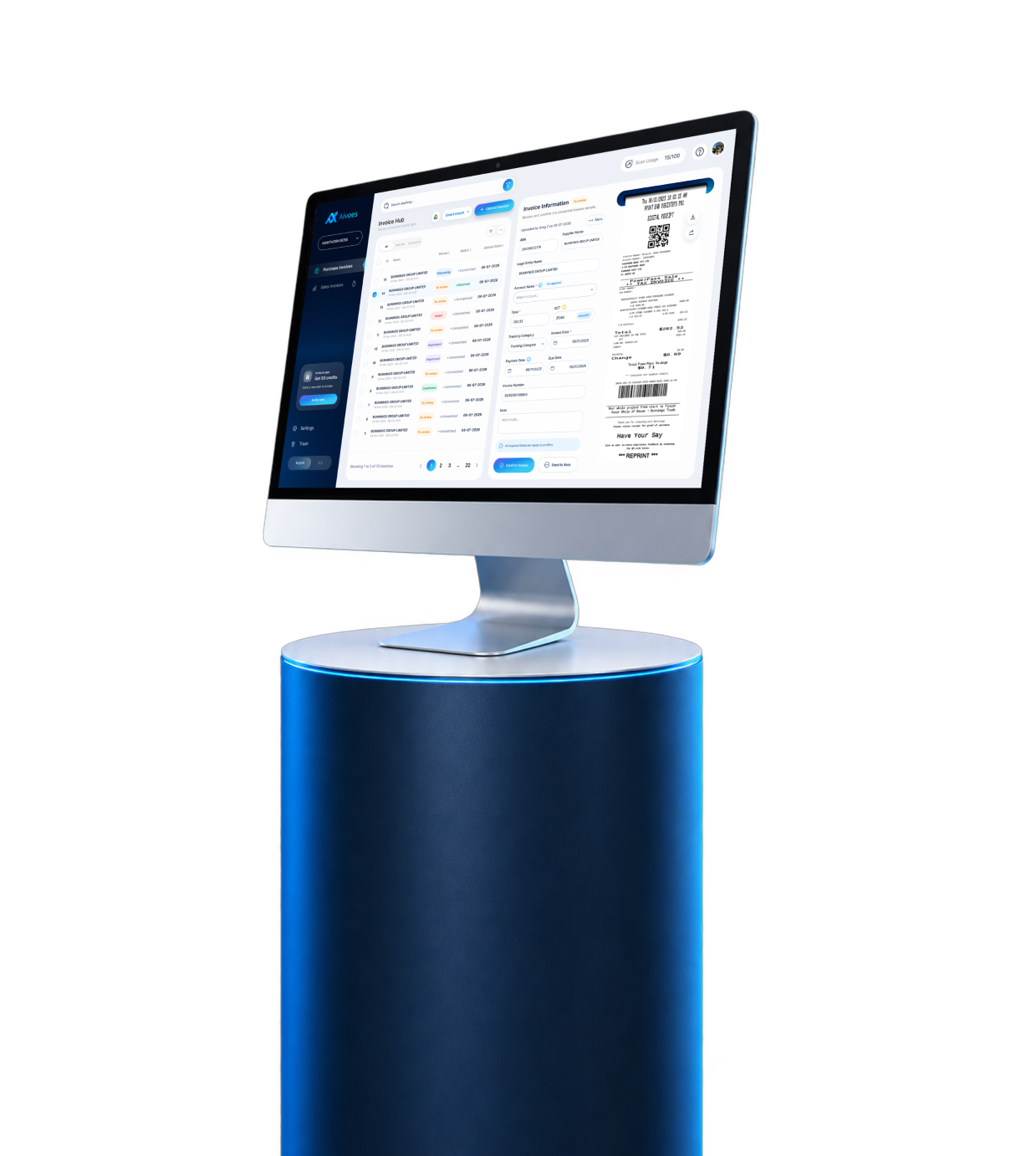
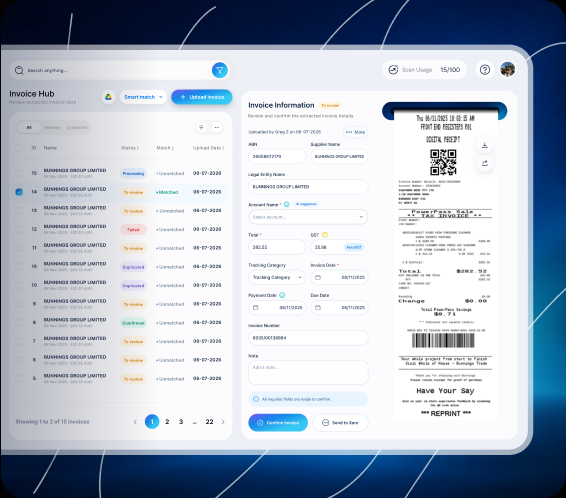
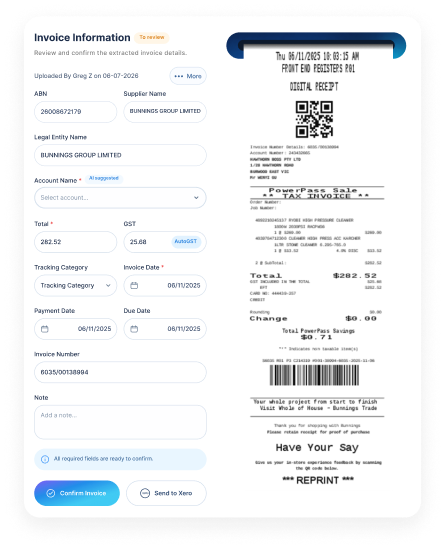
Aivoes reads key invoice details while keeping the source document visible for review.
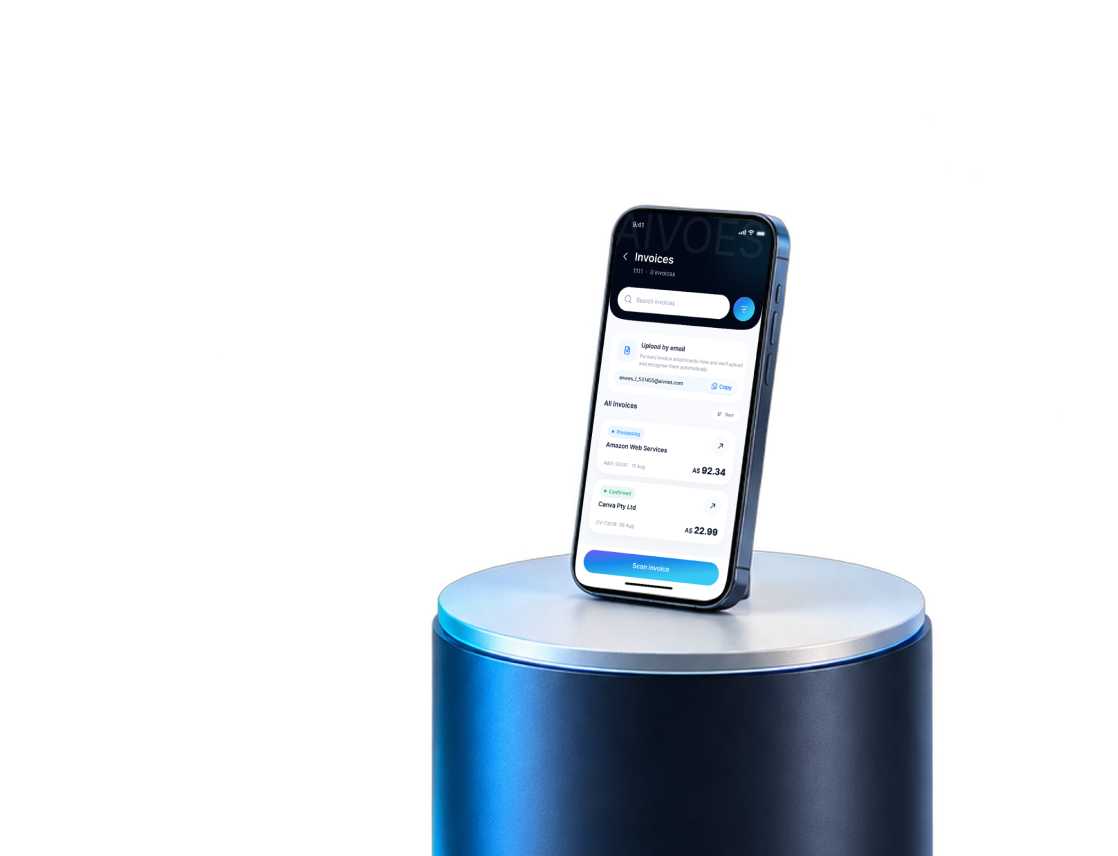
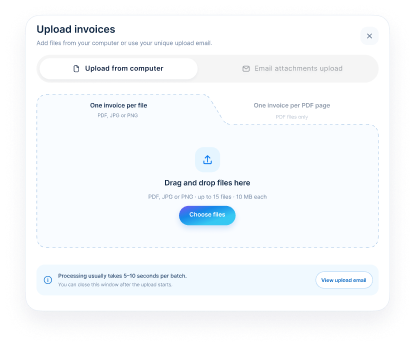
Upload from web or mobile.
Edit fields before confirmation.
Keep the original invoice in view.

AI suggested
Ready to confirm
Core features · Sales Invoicing & Smart Status
Create sales invoices and see what needs review, confirmation or follow-up.

Upload bank CSV
Download matched results
Core feature · Smart Match
Aivoes matches your invoices with imported bank transactions. Download the matched results to complete your bookkeeping in Excel.
Team collaboration · Shared invoice visibility
Give everyone a shared view of invoice progress, updates and next steps.


How it works
Capture the invoice, review the extracted details, match it with bank activity and keep your books up to date in Aivoes.
Continue in Xero

3. Send to Xero
Send the reviewed invoice data directly to Xero.


4. Continue in Xero
Open Xero to complete your accounting workflow.
1. Upload Invoices

2. Review & Confirm


Finish in Excel

3. Create Client Invoices
Create and send client invoices using Aivoes Sales.


4. Match Bank Payments
Upload your bank CSV and match payments with invoices.


5. Complete & Export
Review the results in Smart Match and export to Excel.
Customer feedback
Read what our customers say about using Aivoes.
Pick the plan that matches your monthly needs.
1 free business profile per account. Additional profiles require a paid plan.
Simple answers about review, matching and how Aivoes fits into existing bookkeeping work.
Questions,
answered.

Ready to simplify invoice work?
Less manual entry. Faster bookkeeping.
Scan, review and match invoices in one clear workflow.